

Connect your Repository
- Login on CodSpeed
-
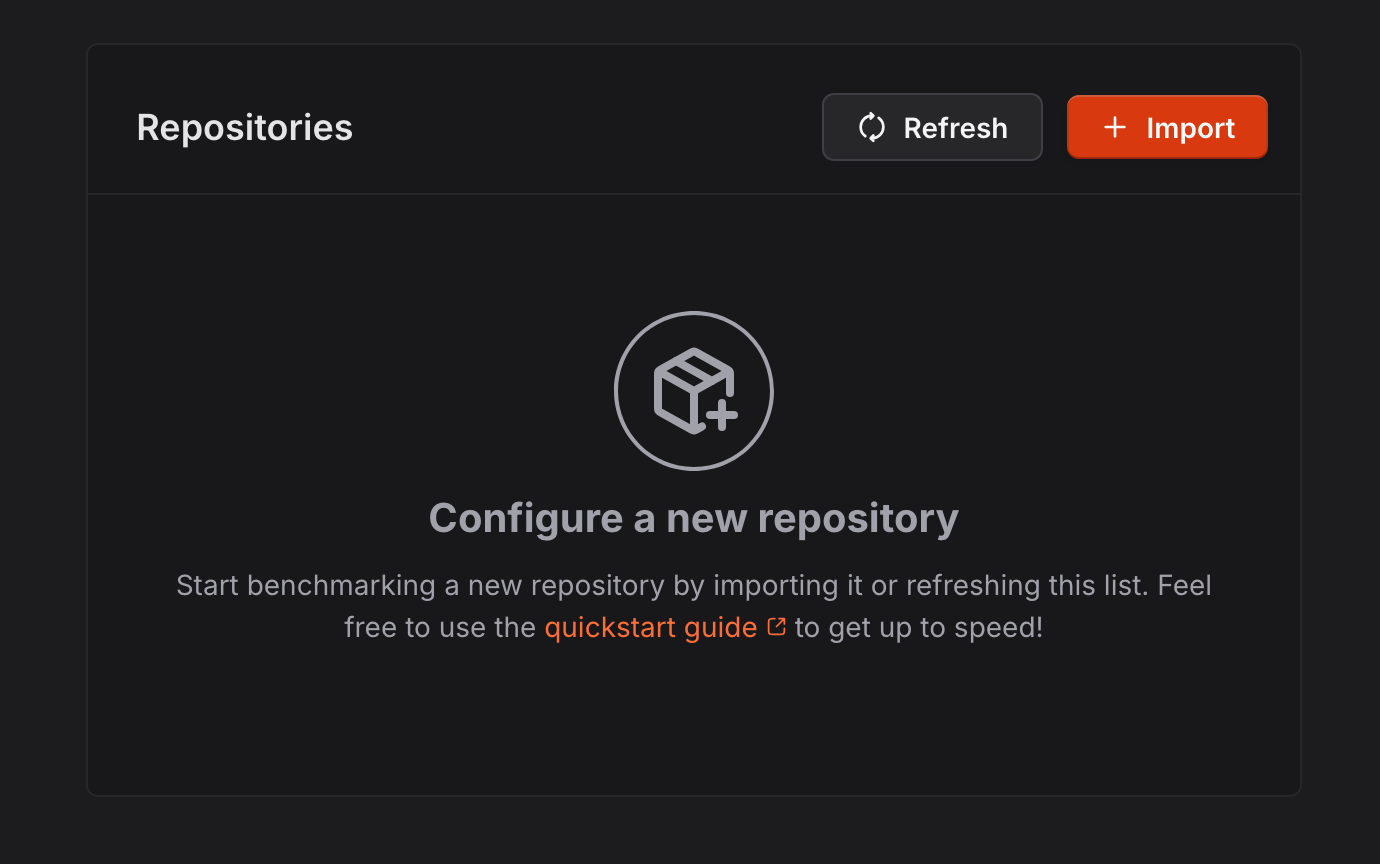
Go to settings and install the CodSpeed
GitHub App by clicking on the “Import” button.
-
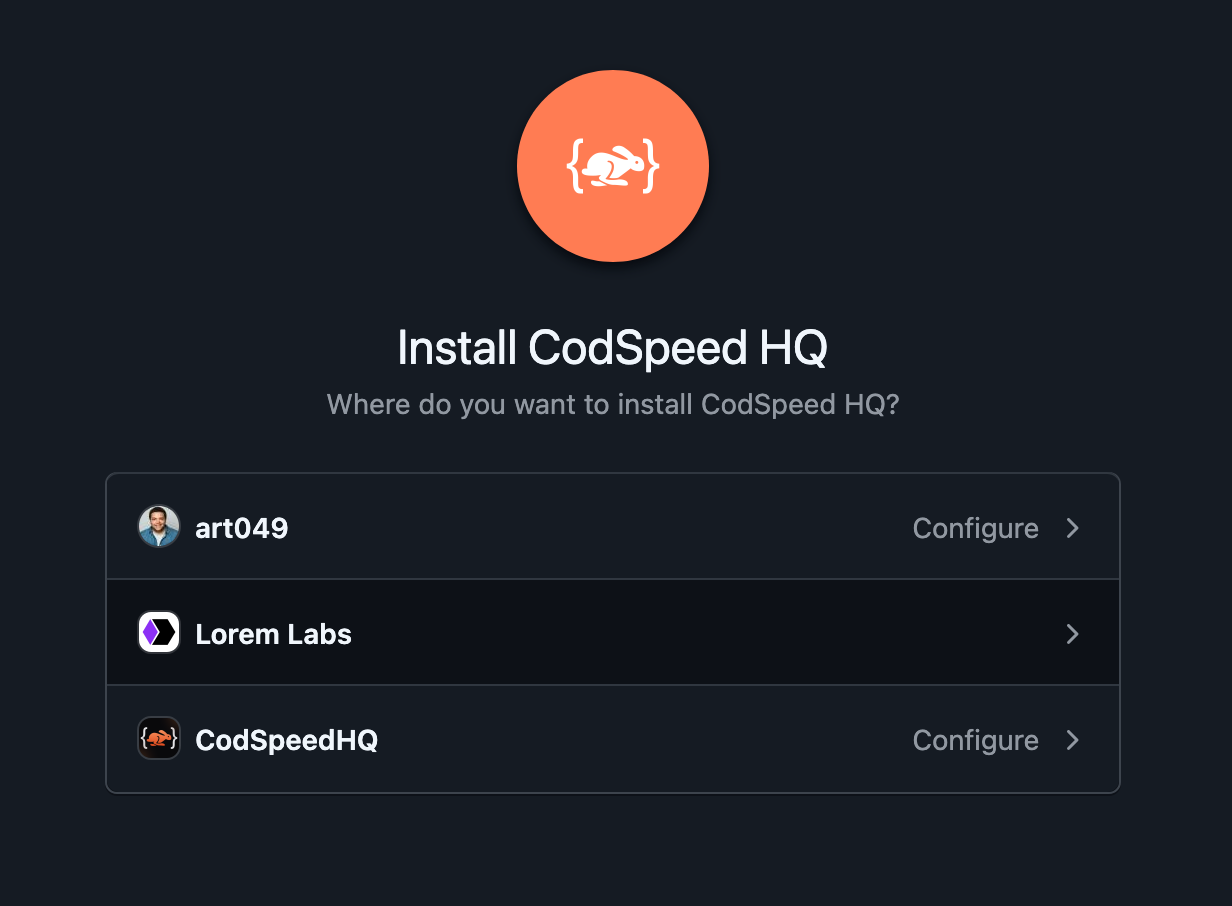
Select the organization or the user and add the repositories you want to use
with CodSpeed:
- After connecting your repository, you can proceed to the setup to start tracking performance.
Setup
In the CodSpeed settings, configure a repository by clicking on the “Setup” button: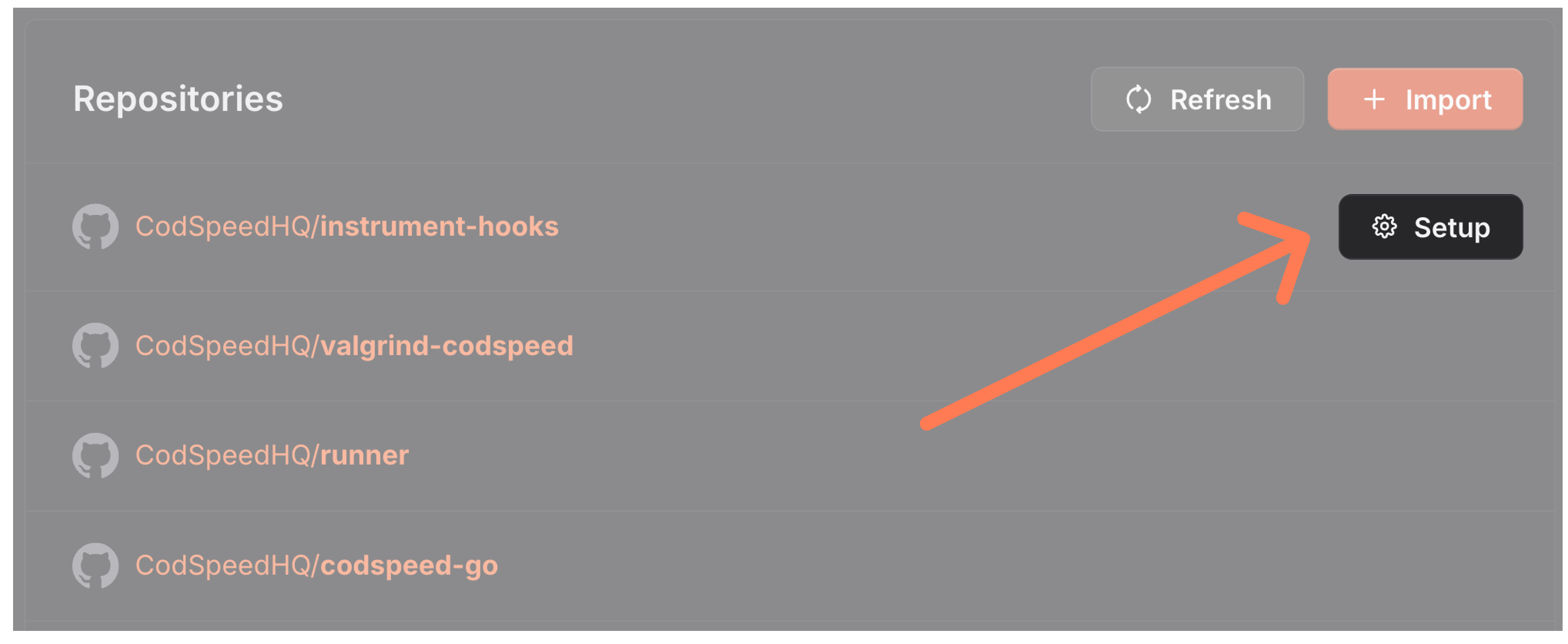
Automated setup
-
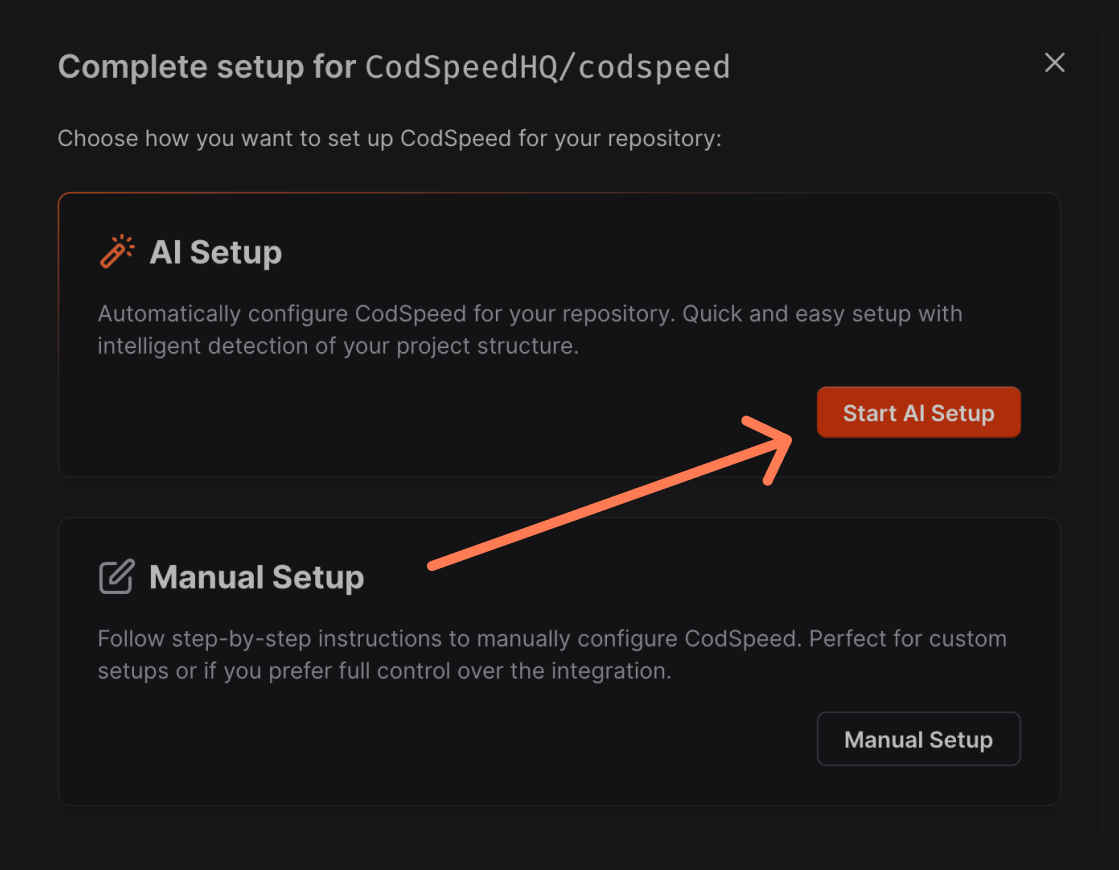
From the repository setup screen, click Start AI Setup to let the Wizard
handle the configuration:
-
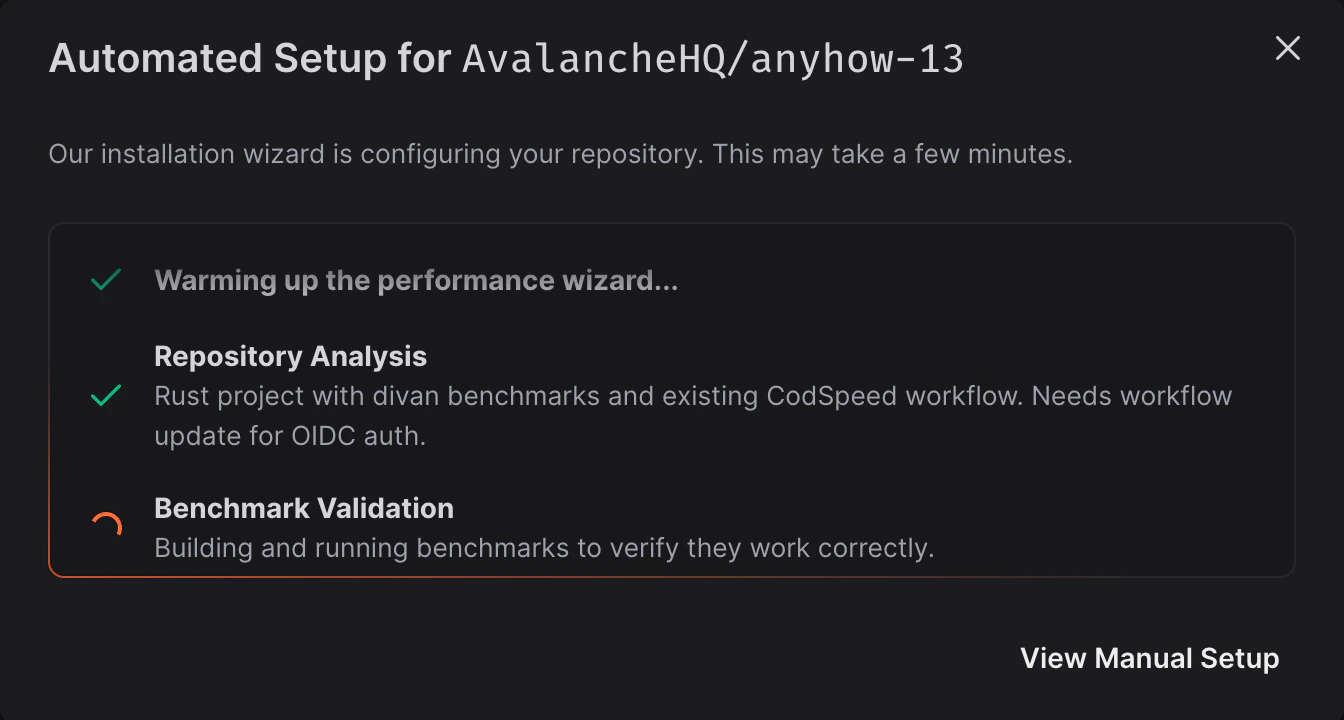
The Wizard analyzes your repository and configures it:
-
The Wizard opens a setup pull request:
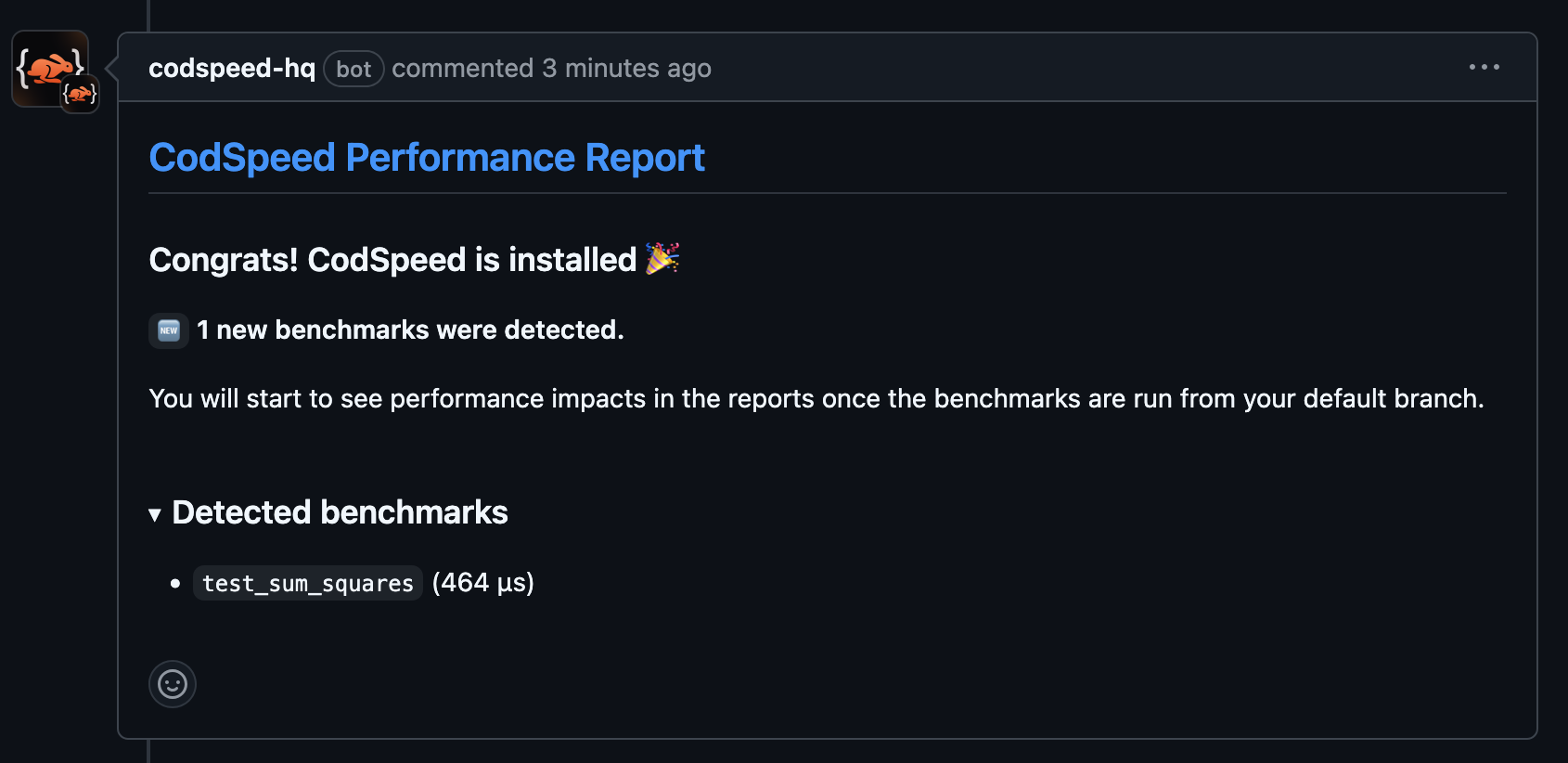
- Review and merge the pull request to complete setup.
How it works
The Wizard handles the full setup process automatically:- Detects existing benchmarks: finds and configures your benchmarks in the language and framework you’re already using.
- Creates benchmarks if needed: generates appropriate benchmark files when none exist in the repository.
- Generates CI workflows: creates optimized GitHub Actions or GitLab CI configurations tailored to your setup.
- Opens a pull request: submits all changes for your review before anything is merged.
Manual setup
If you prefer to configure CodSpeed yourself, follow the steps below. This example uses a Python repository withpytest.
Create performance tests
-
Install the CodSpeed plugin for
pytest: -
Write a performance test using the
@pytest.mark.benchmarkmarker:tests/test_sum_squares.py -
Run your performance tests locally:
Your first performance test is ready. Next, track it in CI with CodSpeed.terminal
Run the tests in your CI
- Create a new GitHub Actions workflow file to run your benchmarks:
-
Create a Pull Request installing the workflow to the repository and wait for
the report in the comments:
- Merge it and congrats, CodSpeed is installed!
Introduce a performance regression
-
Let’s change the implementation of the
sum_squareswith a more concise and elegant one:tests/test_sum_squares.py - Open a Pull Request and wait for the CodSpeed report:
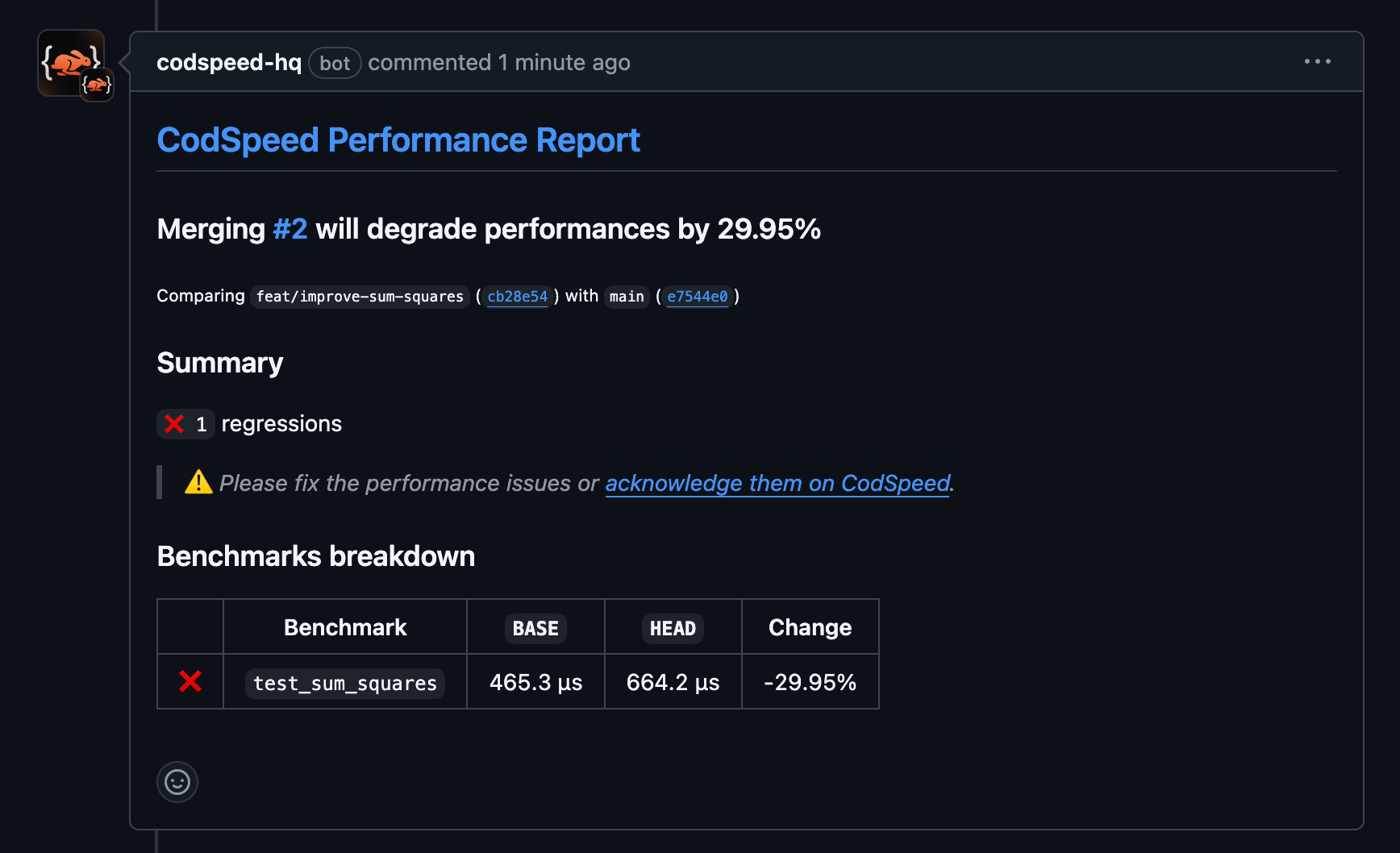
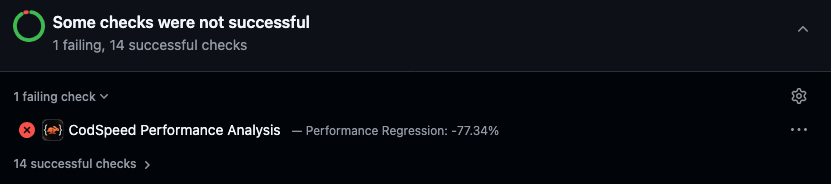
Next Steps
What is CodSpeed?
Learn how CodSpeed works
pytest-codspeed documentation
Learn more about how to create performance tests with pytest-codspeed
Explore the Performance Metrics
Understand the performance metrics generated by CodSpeed
Enforce Performance Checks
Make sure you or team members never merge unexpected performance
regressions.